How to improve your Yu-Gi-Oh! proxy cards gameplay
While you can simply cut out paper slips from the YGOprint proxy deck tool, most players prefer a more "authentic" feel. If you want to take your playtesting to the next level, here is how to make your Yu-Gi-Oh! proxies feel like the real thing.
1. Making Your Proxies Feel Like Real Cards
To make your playtesting experience more realistic and enjoyable, we highly recommend using Japanese-size card sleeves designed specifically for Yu-Gi-Oh!.
You can find these for just a few cents on Amazon or AliExpress; they usually come in affordable packs of 60 or 100.
Inside these sleeves, insert a low-value real Yu-Gi-Oh! card (a "bulk common") or a piece of cardboard cut to size. Simply place your printed proxy card in front of it. This gives the card the correct weight, thickness, and rigidity.
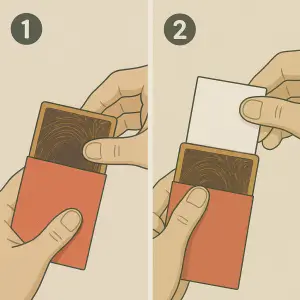
The Perfect Fit for Shuffling
Make sure the sleeves you pick are slightly larger than the card for a perfect fit. We recommend a size of 62mm x 89mm, which provides exactly 3mm of extra space.
Why this matters: This setup provides the same shuffle feel as a real deck. Additionally, your cards will be indistinguishable from the back-a key requirement for fair play and competitive testing.
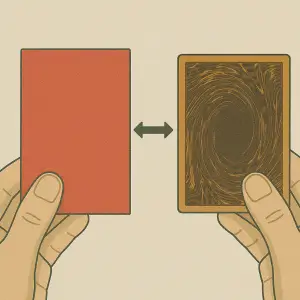
Hybrid Deck Strategy: You can also choose to buy the cheap "staple" cards for your deck and use proxies only for the high-rarity or expensive ones. It's a great way to save money while keeping your deck mostly original.
2. Easy Card Identification at a Glance
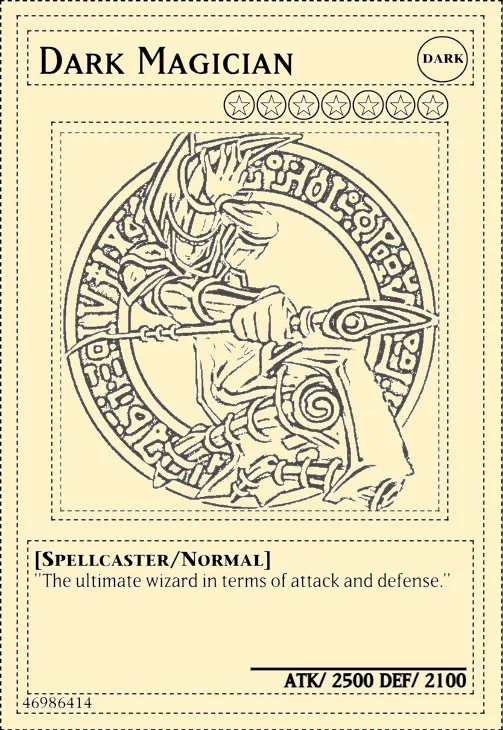
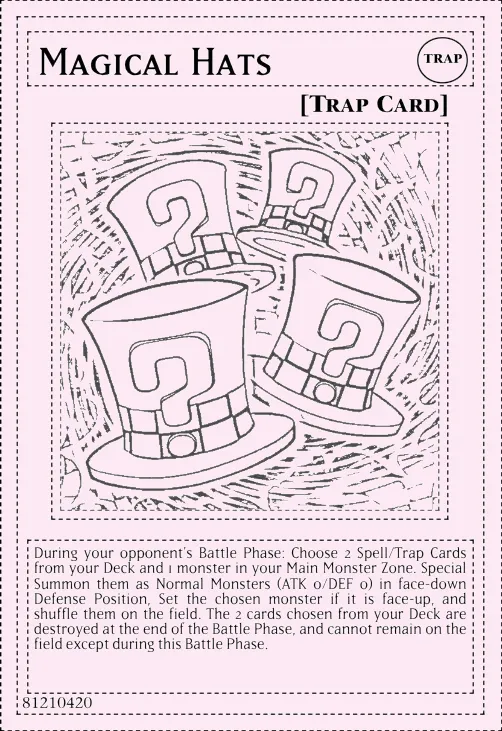
The YGOprint tool ink saver mode is designed for efficiency. It allows you to print in black-and-white using any home, library, or office printer-saving you a fortune on expensive color ink and toner.
However, color is vital in Yu-Gi-Oh! to help you instantly recognize card types during a fast-paced duel.
If ink usage is not a concern, you can also turn off ink saver mode for full color card images, so you won't need to color anything.
Method A: Using Markers (DIY Customization)
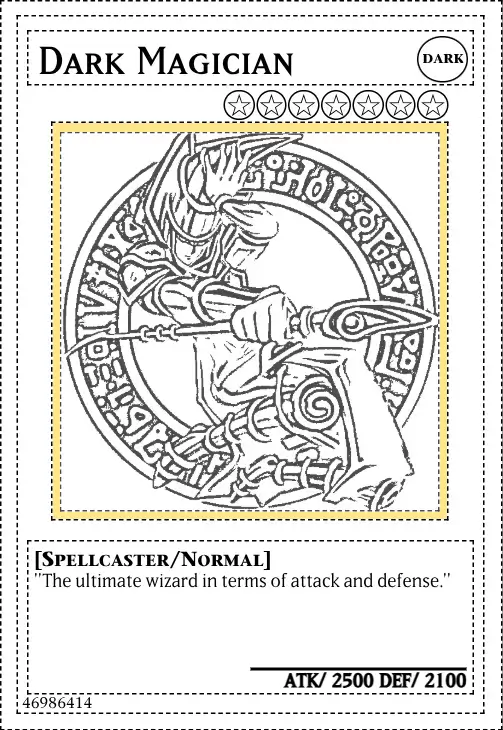
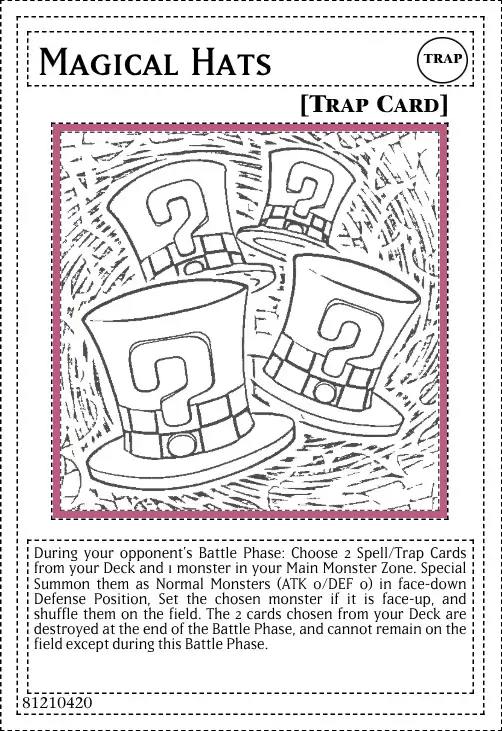
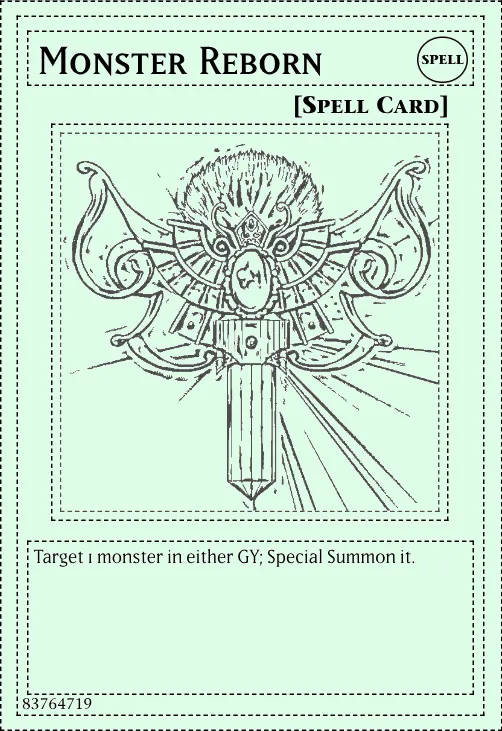
The most common way is to use a simple colored marker to trace the border of your card. Use this standard color guide for the best results:
- Yellow - Normal Monsters
- Orange - Effect Monsters
- Green - Spell Cards
- Fuchsia - Trap Cards
- Blue - Ritual Monsters
- Purple - Fusion Monsters
- White - Synchro Monsters (Leave uncolored)
- Black - Xyz Monsters
- Light Blue - Link Monsters
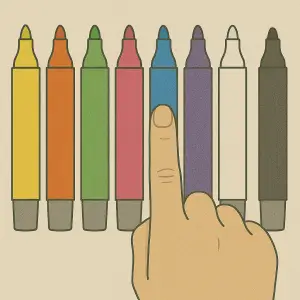
Pro DIY Tips:
- For Link Monsters, color the arrows Red for better zone tracking.
- For Pendulum Monsters, color the left scale Blue and the right scale Red.
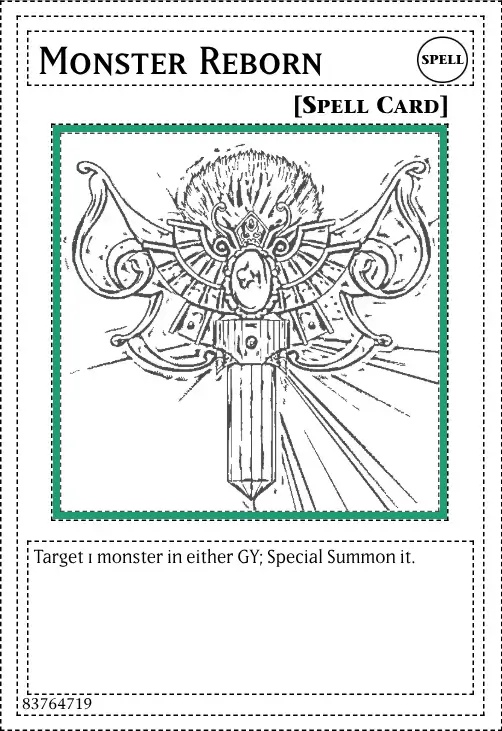
Method B: Printing on Colored A4/Letter Paper (Fastest for Bulk)
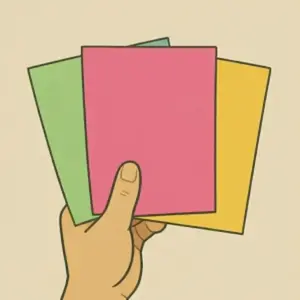
If you are building an entire deck or multiple decks at once, coloring by hand can take a lot of time. A professional "hack" is to purchase packs of colored A4/Letter paper in light, pastel shades.
- Light Green Paper - Best for Spell Cards
- Light Fuchsia Paper - Best for Trap Cards
- Light Orange/Yellow Paper - Best for Effect Monsters
Important Tip: Always use pastel or very light shades. If the paper color is too saturated, the black ink of the card text and artwork will lose contrast and become difficult to read.
Help Us Improve the YGOprint Tool
Found a bug or have an idea for a new feature? Our developers read every single suggestion. Your feedback has a real impact on how this tool evolves.